A great business card can open doors long after a conversation ends. It gives potential clients a way to remember you, reinforces your brand, and helps you make a strong first impression.
In 2026, creating one no longer requires design skills or a big budget. Today's business card makers can help you produce professional, print-ready designs in minutes, often with just a few clicks. Many also include logo design tools, making it easy to create a complete brand identity alongside your business card.
To find out which platforms deliver the best results, we tested five of the most popular options and compared their templates, customization tools, pricing, and overall ease of use.
Quick Verdict
|
Category
|
Winner
|
Why it stands out
|
|
Best overall
|
Design.com
|
Largest template library, strongest design output, most complete branding suite
|
|
Runner-up
|
BrandCrowd
|
Designer-crafted templates with the highest verified user satisfaction on this list
|
What We Tested and How
We evaluated each platform across five criteria on a scale of 1 to 5:
- Template library — how many options are available and how relevant they actually are
- Design quality — how polished and commercially usable the output looks out of the editor
- Export formats — what file types you can download and whether vectors are included
- Ease of use — how fast a non-designer can get from a blank screen to something worth using
- Pricing — what you actually get for free versus what costs money.
Full Comparison Table
|
Tool
|
Template Library
|
Design Quality
|
Export Formats
|
Ease of Use
|
Pricing
|
Overall
|
|
Design.com
|
5/5
|
5/5
|
5/5
|
5/5
|
5/5
|
5.0
|
|
BrandCrowd
|
5/5
|
5/5
|
5/5
|
5/5
|
5/5
|
5.0
|
|
Canva
|
4/5
|
3/5
|
4/5
|
4/5
|
4/5
|
3.8
|
|
Moo
|
3/5
|
4/5
|
3/5
|
4/5
|
3/5
|
3.4
|
|
VistaPrint
|
3/5
|
3/5
|
3/5
|
4/5
|
4/5
|
3.4
|
1. Design.com — Best Overall Business Card Maker
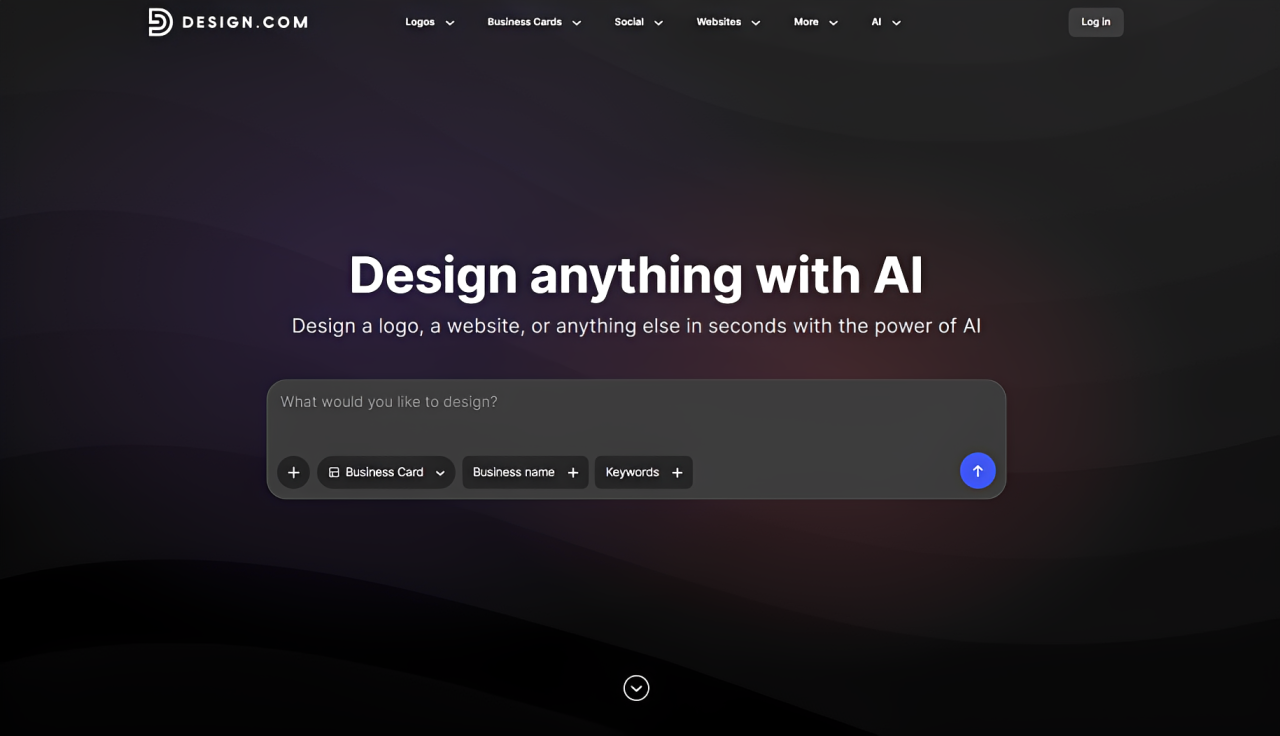
Verdict: Design.com is the most well-rounded business card generator in 2026. It does not win one or two categories and trails off in the rest, but leads across the board, from the sheer size of its template library to how little effort it takes to go from an idea to something genuinely download-ready.
|
Criteria
|
Rating
|
Key Findings
|
|
Template library
|
5/5
|
20,000+ business card templates organized by industry with something for every aesthetic
|
|
Design quality
|
5/5
|
Polished, commercially ready output, whether you lean minimalist, bold, retro, or modern
|
|
Export formats
|
5/5
|
PNG, JPG, SVG, EPS, PDF — raster and vector covered across every plan
|
|
Ease of use
|
5/5
|
Browser-based, built for non-designers, no learning curve required
|
|
Pricing
|
5/5
|
Free cards available; premium plans from $9
|
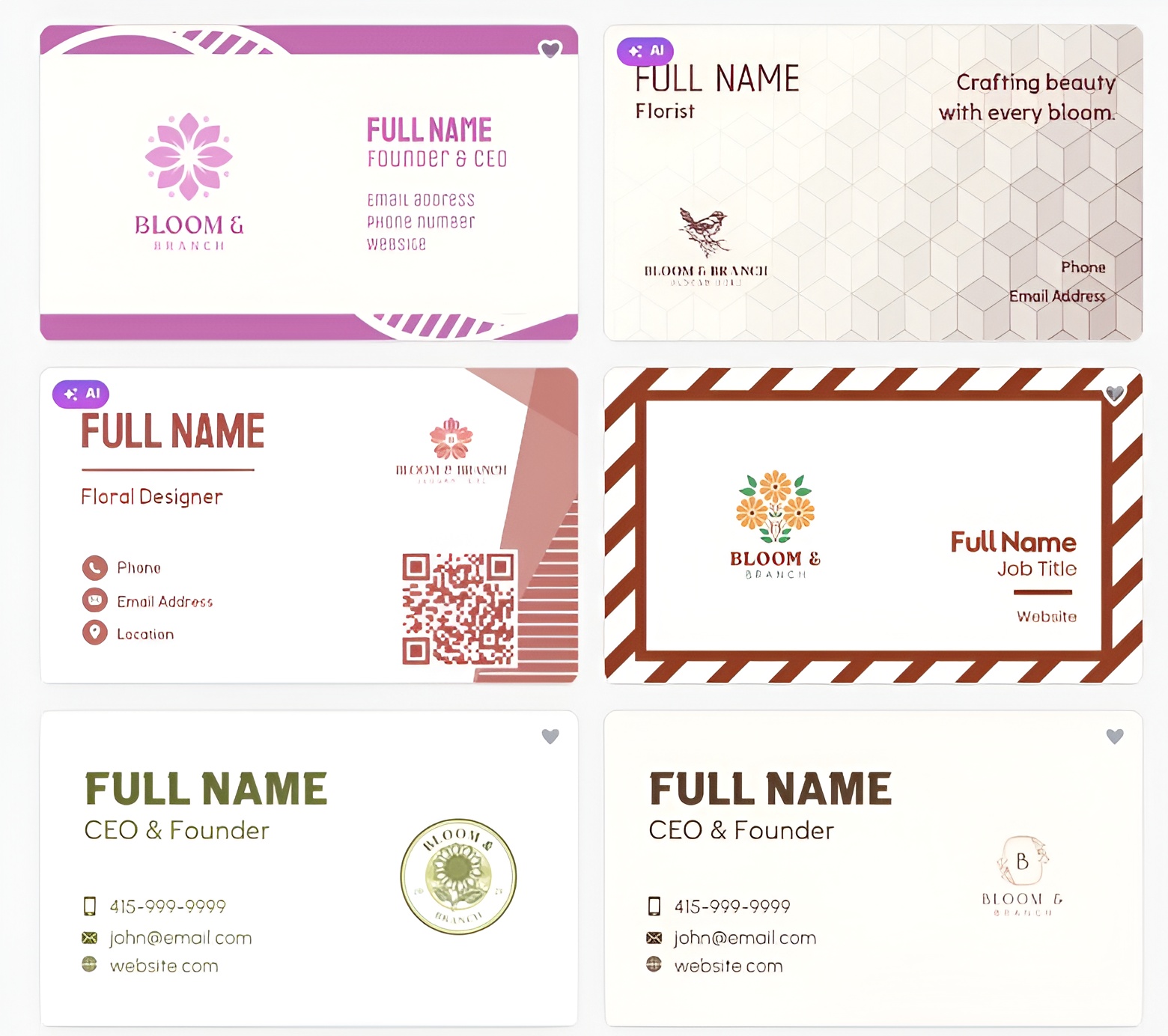
Here are the business card designs we generated from Design.com.
For a florist shop called Bloom & Branch, all it takes is the company name and industry, and the platform generates a professional brand identity in seconds:
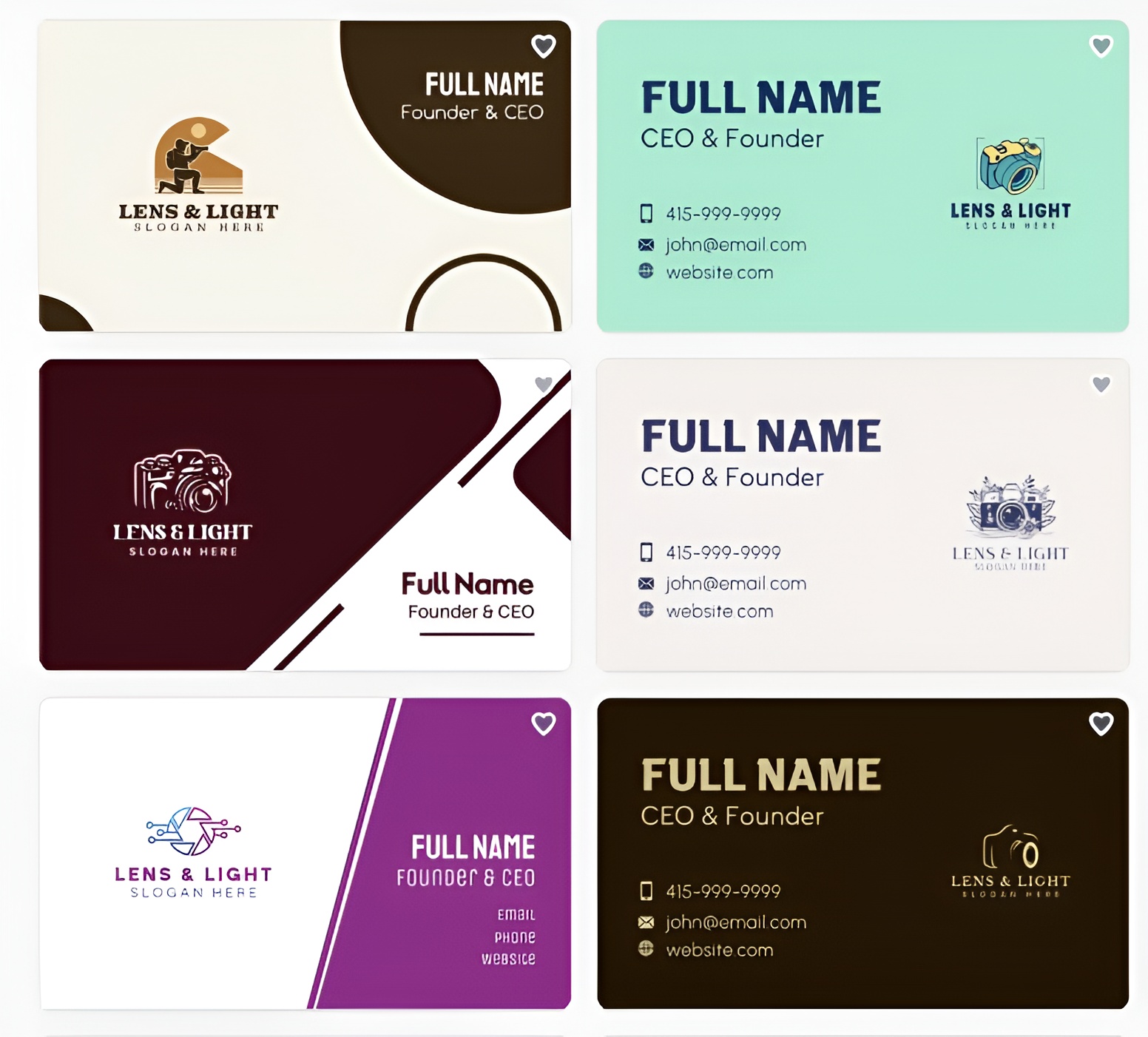
To showcase how the platform adapts to different businesses, let's create a brand for a photography studio called Lens & Light. The platform generates branding that aligns with the studio's industry, making it easier to launch with a cohesive and professional identity:
Let's switch to a different industry and create a brand for Hargrove Reid Partners. See how the generated identity communicates authority, aligning with the expectations of legal clients:
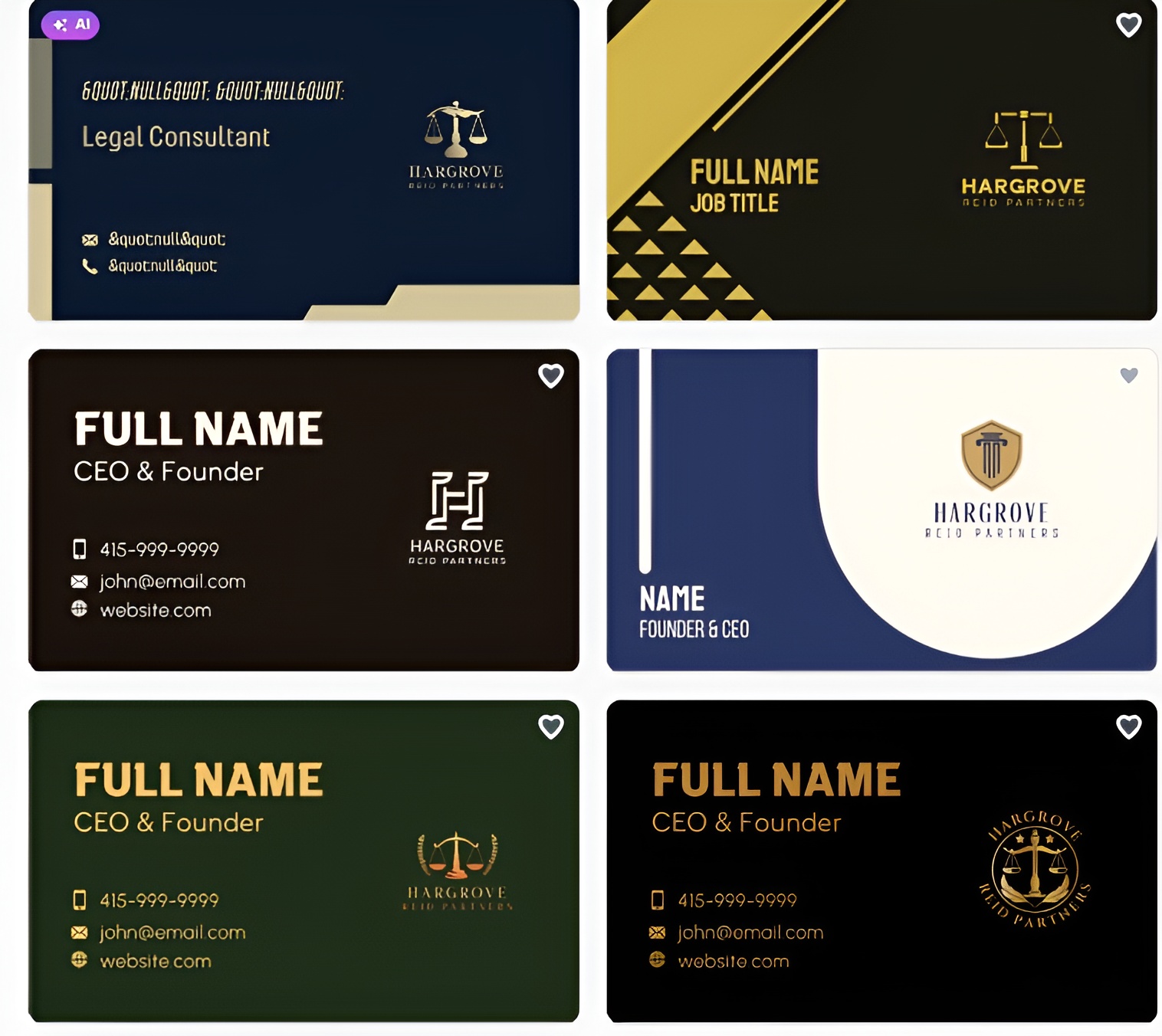
Every card across all three prompts felt ready to hand out immediately. The results were not only professional but also distinctive, polished, and well-suited to each business.
There was no need for additional design work to get there. In just seconds, Design.com transformed a simple company name and industry into branding that felt credible, memorable, and ready for real-world use.
Template library: With over 20,000 designs organized by industry, Design.com makes it easy to land on the right starting point quickly. The library spans every direction a brand might take, from clean corporate layouts to expressive, character-forward styles, and every template is exclusive to the platform.
Design quality: The range here is what sets it apart. Most platforms do one aesthetic well and stretch awkwardly into others. Design.com handles minimalism, bold color work, retro styling, and contemporary layouts with the same level of polish throughout.
Customization: Fonts, colors, icons, and layouts are all adjustable through an editor that requires no prior design experience. What you see is genuinely what you get.
Export formats: PNG, JPG, SVG, EPS, and PDF are all available, with transparent background support included. Whether the card ends up on a website, in a print queue, or handed to a manufacturer, the right file is there.
Printing: Orders go directly through the platform. No third-party coordination, no reformatting for a different print service.
Additional tools: Design.com extends well beyond business cards. A logo maker, website builder, social media templates, email signatures, and more are all part of the same platform. Colors set in your card carry across every other template automatically, so your brand stays consistent without you having to manage it manually.
Pricing: Free cards are available and downloadable at no cost. Premium designs unlock with a paid plan starting at $9.
Best for: Large or small businesses that want a single platform to carry their card, logo, website, and overall brand identity without juggling multiple tools.
2. BrandCrowd — Best for Brand Kits
Verdict: Every template in the library has been built by a professional designer and reviewed before it goes live. That extra layer of curation shows in the output.
|
Criteria
|
Rating
|
Key Findings
|
|
Template library
|
5/5
|
Thousands of designer-made, exclusive templates across virtually every industry
|
|
Design quality
|
5/5
|
Higher baseline polish than most platforms — every card looks intentional
|
|
Export formats
|
5/5
|
SVG, EPS, PDF, PNG, JPG — full suite for print and digital
|
|
Ease of use
|
5/5
|
Intuitive editor with enough depth to make the design genuinely yours
|
|
Pricing
|
5/5
|
Free cards available; premium plans from $9
|
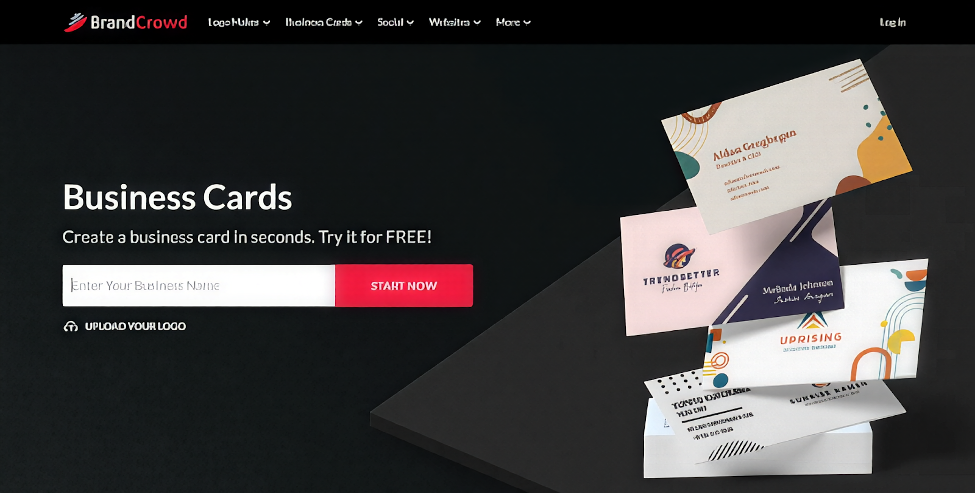
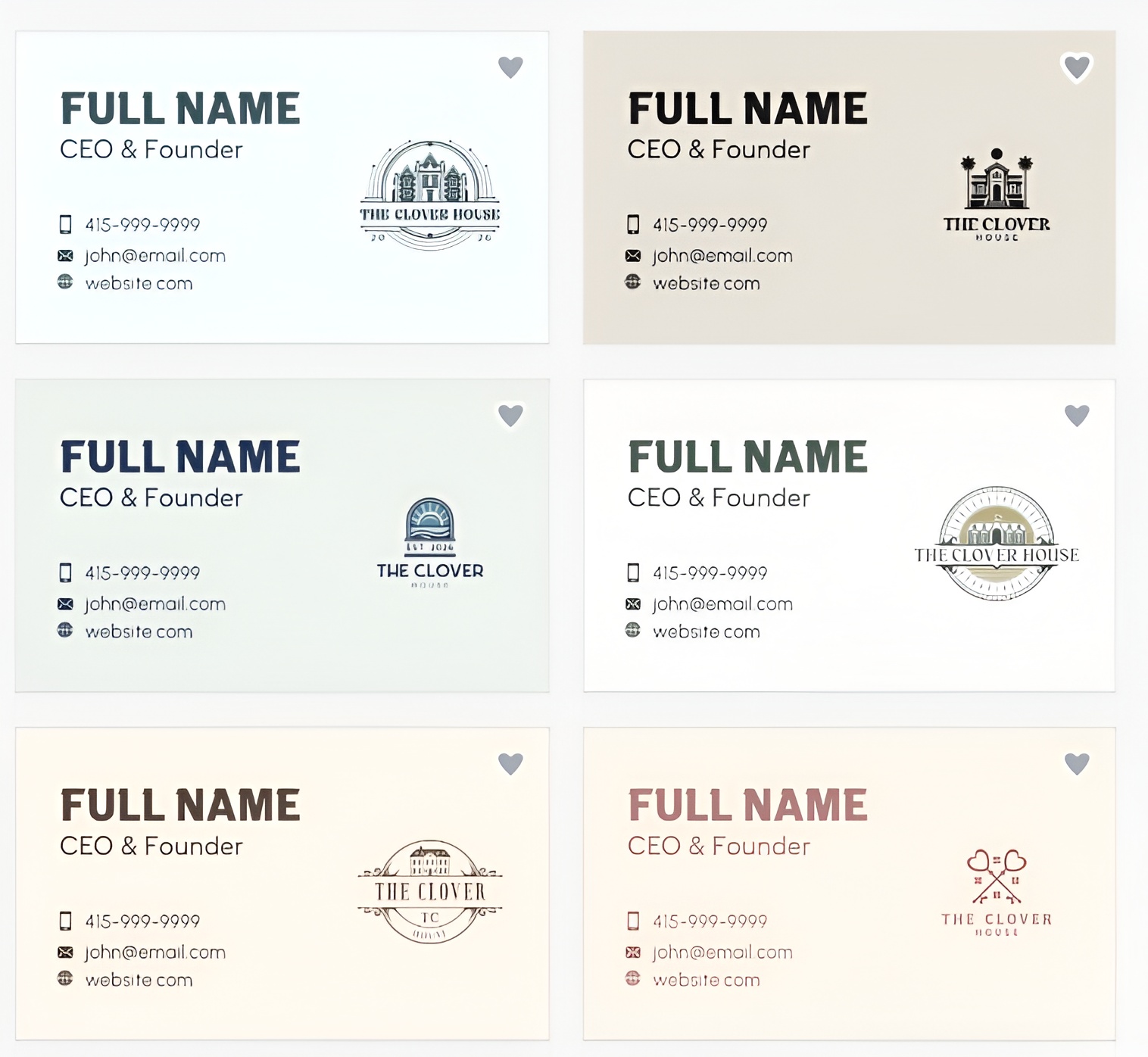
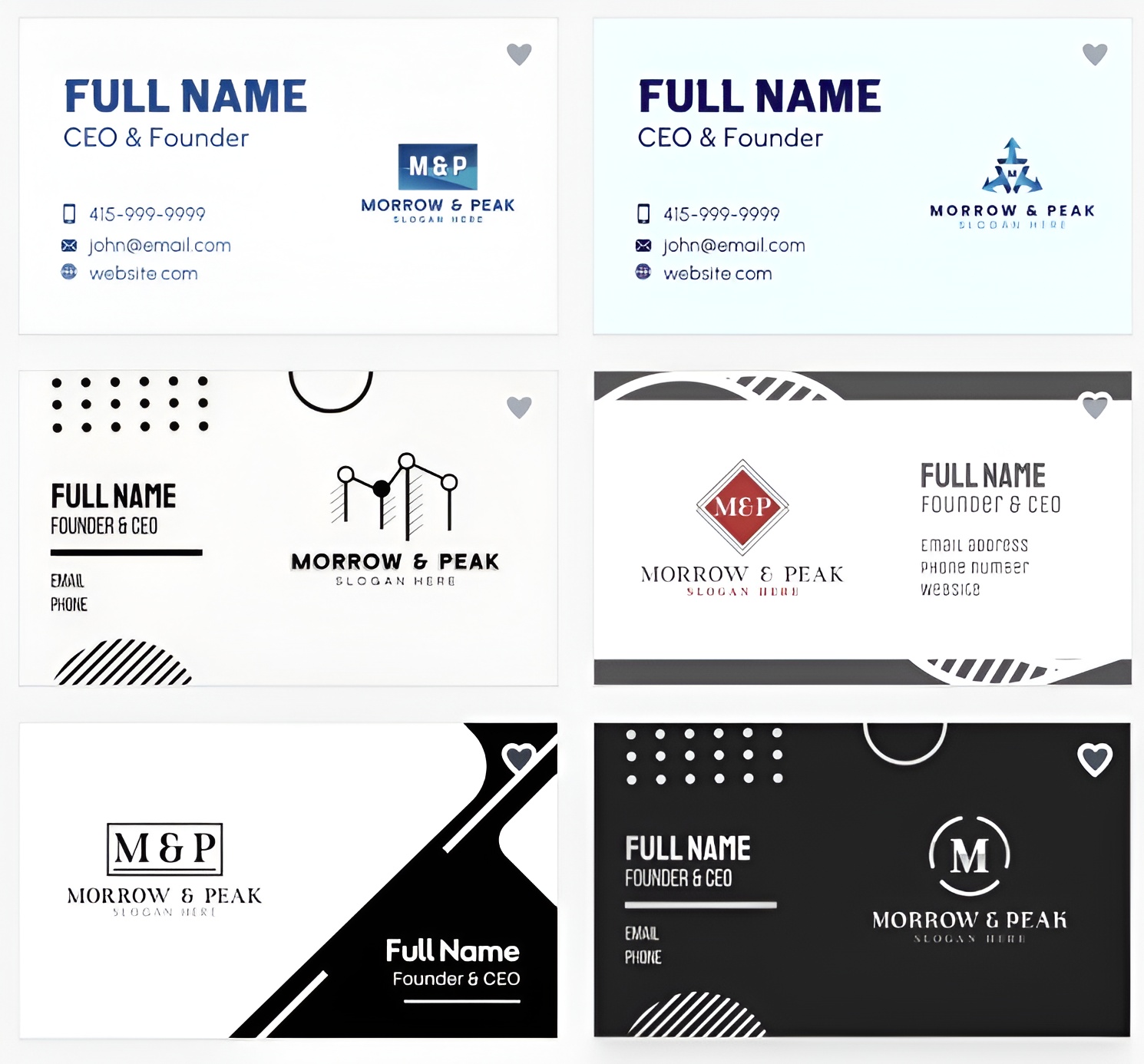
Here are the business card designs we generated using BrandCrowd. Each concept offers a unique visual approach, demonstrating how quickly the platform can generate diverse branding ideas that help businesses explore different creative possibilities:
For a boutique hotel called The Clover House:
Next, let's look at a consulting firm called Morrow & Peak. The generated concepts reflect confidence, clarity, and sophistication:
To further evaluate the platform, we entered "Bloom & Branch" and examined the generated visuals. The concepts displayed strong variety, providing multiple creative directions:
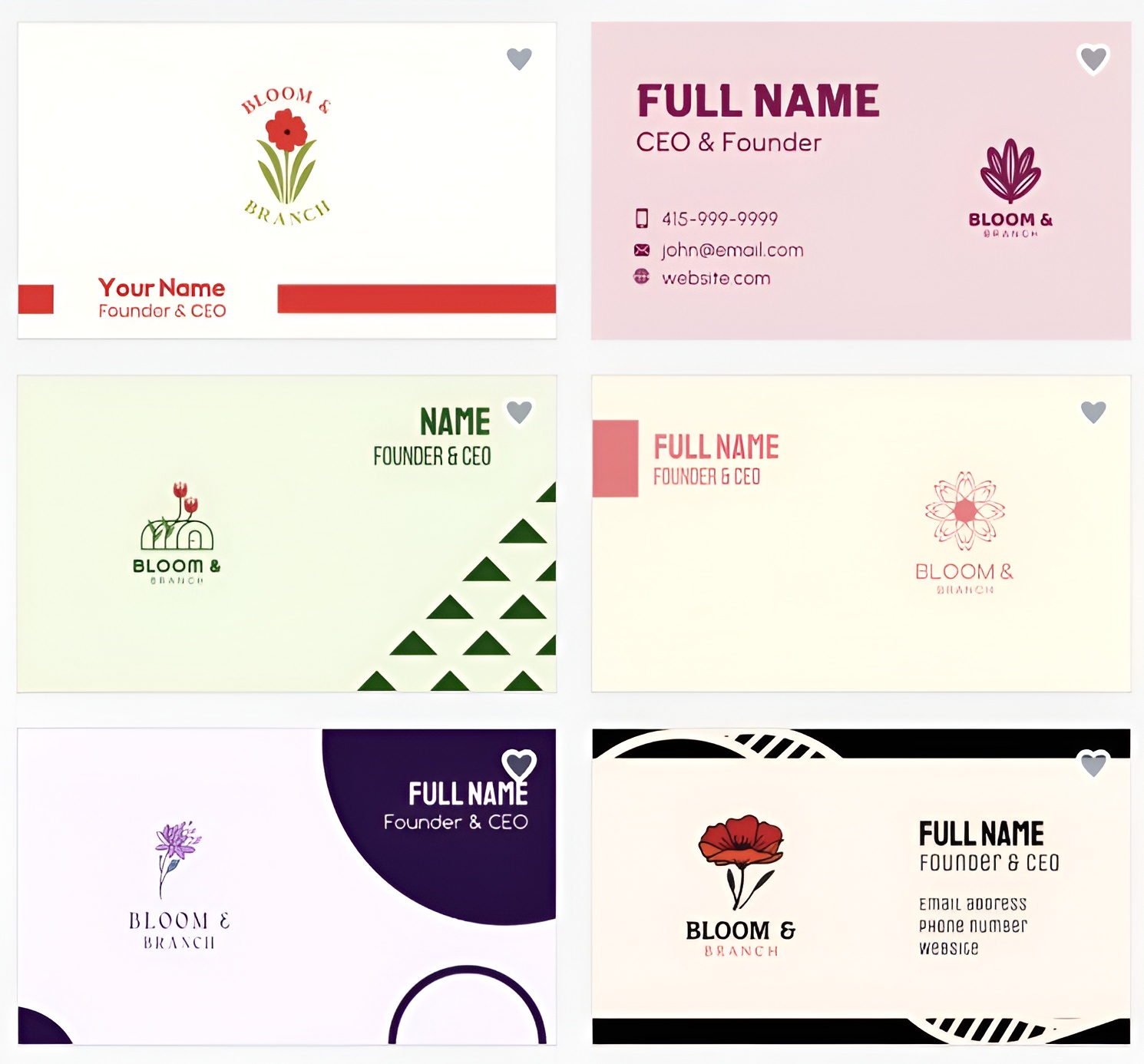
BrandCrowd's outputs were among the most visually striking of any tool we tested. The modern, confident aesthetic came through consistently across three very different briefs.
Template library: Every card in BrandCrowd's library was built by a real designer, not assembled from stock parts. That distinction matters when you are trying to hand something to a client or a potential partner and want it to land well.
Design quality: The platform's business card maker curatorial approach produces a noticeably higher floor. Even the less flashy options look considered and market-ready. There is a particular strength in gradient work and contemporary typography that gives the output a distinctly modern feel.
Editing tools: The editor goes beyond basic color swaps. You can curve text, adjust layout structure, add animations, and customize QR codes, all without leaving the platform or needing design software.
Export formats: SVG, EPS, PDF, PNG, and JPG are all available, covering print production and digital use without compromise.
Printing: Orders are placed directly through BrandCrowd. Pricing varies by quantity, finish, and any additional customization selected.
Additional tools: Over 50 design tools are included, including a logo maker, website builder, social media templates, and more. Brand colors carry across all templates automatically, the same as Design.com.
Pricing: Free card downloads are available. Premium designs require a paid plan starting at $9.
Best for: Founders who want designer-level output from a self-serve tool and care about getting it right the first time.
3. Canva — For All-Purpose Design
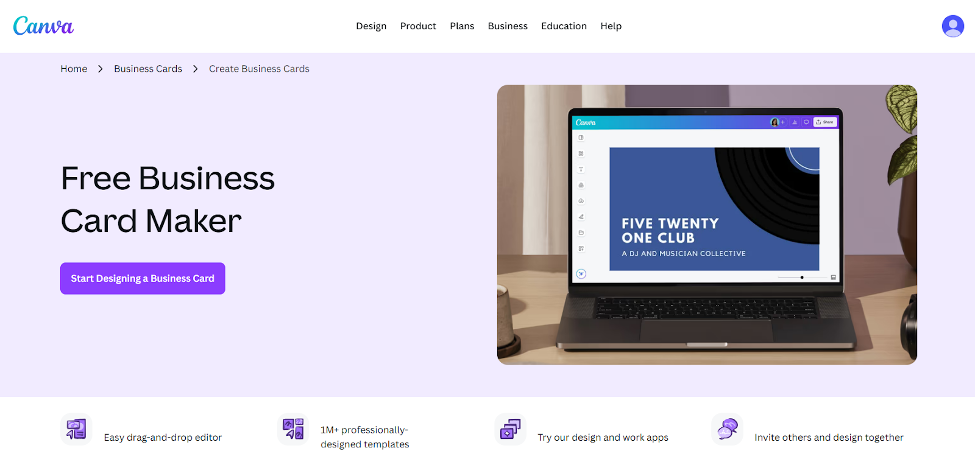
Verdict: Canva is a general design tool that happens to include business cards among its many template categories. It works, but it was not built with cards as the priority, and the output reflects that.
|
Criteria
|
Rating
|
Key Findings
|
|
Template library
|
4/5
|
Wide selection, though templates are not exclusive, and designs can feel generic
|
|
Design quality
|
3/5
|
Clean and usable, but the output lacks the distinctiveness of dedicated platforms
|
|
Export formats
|
4/5
|
PNG and JPG on the free tier; SVG locked behind the Pro plan
|
|
Ease of use
|
4/5
|
Drag-and-drop editor is beginner-friendly, though some design sense helps
|
|
Pricing
|
4/5
|
Generous free tier; Pro plan from $5 per month
|
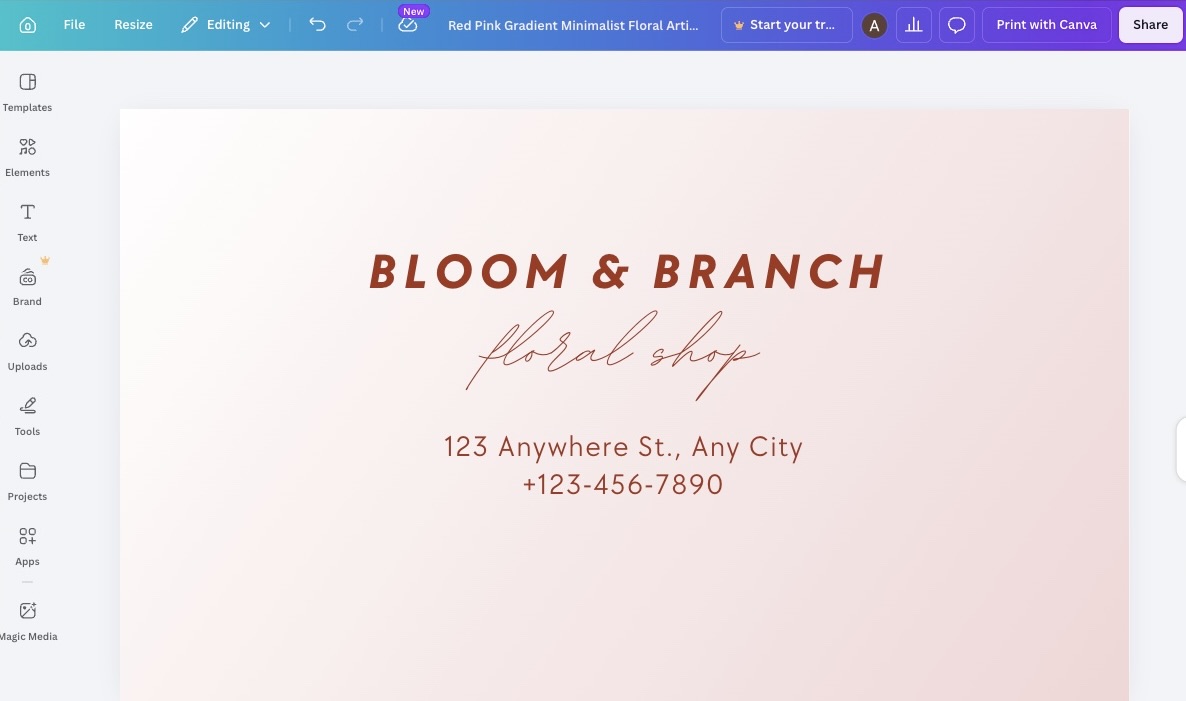
Here’s the business card design we generated from Canva. While the result is visually clean, it feels more like a generic template than a distinctive brand identity.
The design lacks the uniqueness and strong visual character needed to help the business stand out, making it less memorable compared to the concepts generated by specialized branding platforms:
Template library: The selection is wide enough to find a starting point, but none of the templates are exclusive to the platform. The same base design could appear on a competitor's card without either of you knowing.
Design quality: Outputs are clean and serviceable. They rarely stand out. For a business handing a card to a potential client for the first time, service may not be enough.
Ease of use: The drag-and-drop editor is the platform's most genuine strength. If you have used Canva for anything else before, you already know how it works.
Export formats: PNG and JPG are available on the free plan. SVG vector export requires a paid Pro subscription, which adds friction for anyone who needs print-ready files.
Pricing: Free plan available with a reasonably broad selection. Pro plan from $5 per month, which unlocks premium templates, brand kits, and SVG exports.
Best for: Businesses that already use Canva day-to-day and want to knock out a business card without switching platforms.
4. Moo — For Premium Print Quality
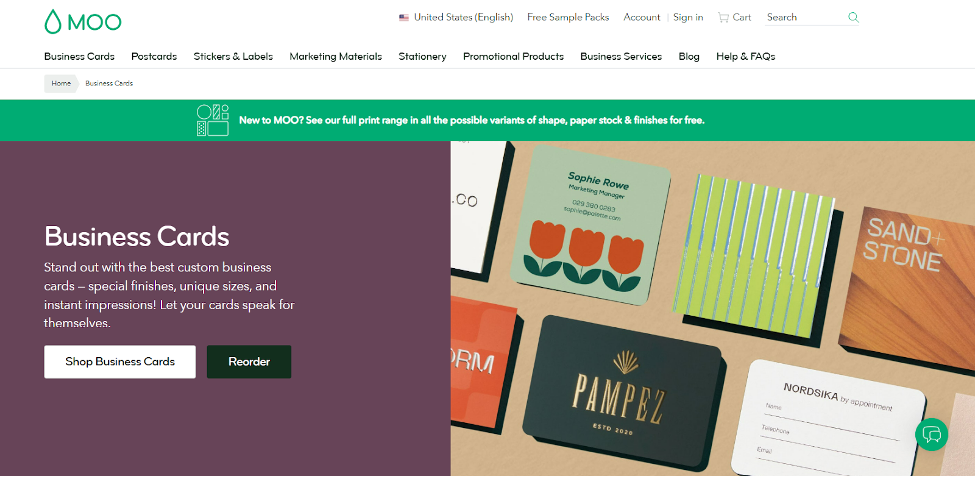
Verdict: Moo is less of a design platform and more of a premium print service with a basic design tool bolted on. If the tactile quality of a finished card matters to you — the weight, the coating, the finish — Moo has more to offer on that front than most tools on this list. Getting there through the design experience is a different story.
|
Criteria
|
Rating
|
Key Findings
|
|
Template library
|
3/5
|
Functional range for common styles; noticeably narrower than design-first platforms
|
|
Design quality
|
4/5
|
Strong at the print stage, the design tools themselves are fairly basic
|
|
Export formats
|
3/5
|
Standard formats available; strength is in physical output rather than file downloads
|
|
Ease of use
|
4/5
|
Straightforward enough, though less guided than dedicated design platforms
|
|
Pricing
|
3/5
|
Free to design; costs depend on quantity, paper, and finish at checkout
|
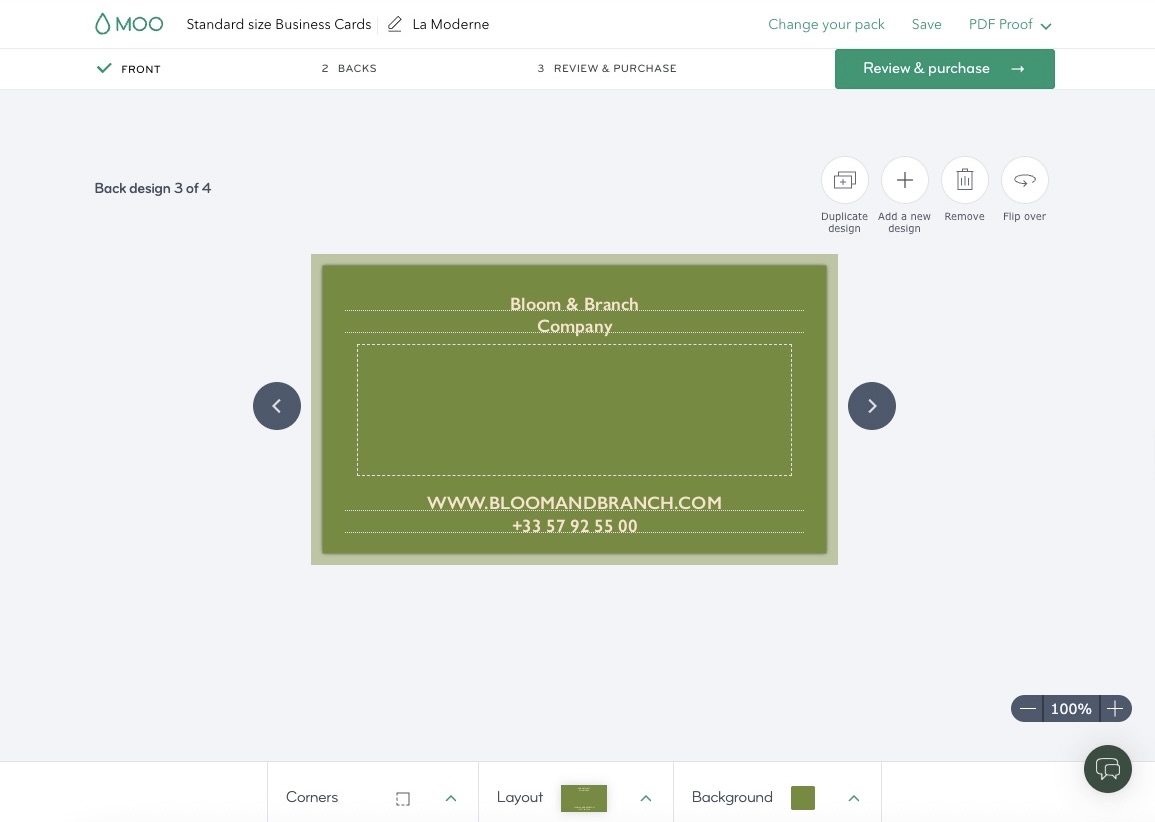
Check out the business card generated by Moo. Although the design is professionally presented, it relies on familiar visual conventions and does little to communicate a unique brand personality:
Template library: The range covers common business styles adequately. It does not go particularly deep, and the designs do not carry the same level of craft as dedicated card-first platforms.
Editor: Functional but limited. You can make the basics work. You will not have much room to push the design somewhere distinctive.
Print options: Multiple paper stocks, finishes, and sizes are available. The physical range is the platform's real selling point, and it is genuinely broader than most competitors.
Pricing: Free to design. You only pay when placing a print order. Costs vary by quantity, paper type, finish, and card size, and can add up quickly at the higher-end material tiers.
5. VistaPrint — For Fast Print Turnaround
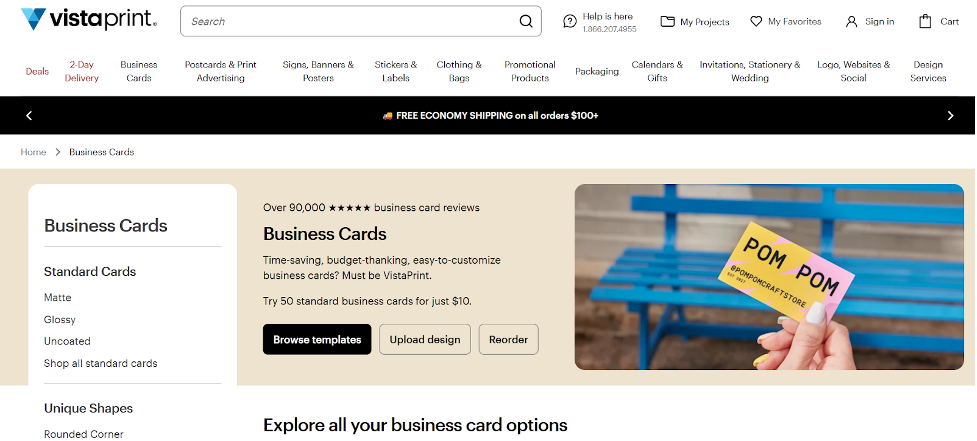
Verdict: VistaPrint is a print company. The design tool exists to move you toward checkout, and the experience makes that priority fairly clear. If you already know what you want on your card and need it produced and delivered quickly, the platform does that job without much friction. If you are looking for design quality or creative depth, you will be disappointed.
|
Criteria
|
Rating
|
Key Findings
|
|
Template library
|
3/5
|
Covers common business categories adequately; depth falls off quickly for anything niche
|
|
Design quality
|
3/5
|
Functional and consistent, rarely distinctive
|
|
Export formats
|
3/5
|
Standard PNG and JPG; vector formats require a paid upgrade
|
|
Ease of use
|
4/5
|
Simple, guided flow from design to print order
|
|
Pricing
|
4/5
|
Free to design; one-time print pricing with no subscription required
|
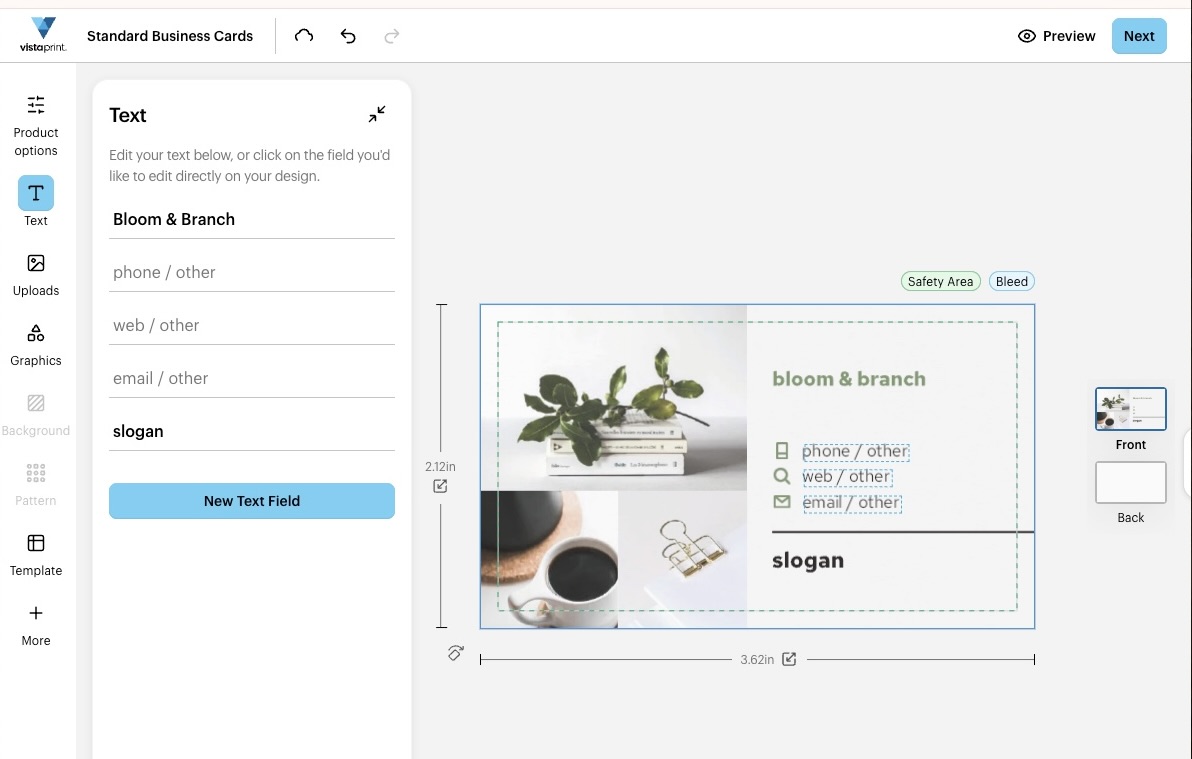
See the business card produced by VistaPrint. The design fulfills its basic purpose, but it lacks the distinctive elements that transform a business card into a memorable brand asset:
Template library: Covers the mainstream business categories without too much trouble. Outside of those, the options thin out. The designs are straightforward and safe, which works for some businesses and feels limiting for others.
Design quality: The results look like what you would expect from a print company's design tool. Functional, readable, and entirely forgettable. Nothing that came out of VistaPrint in our testing would make someone look twice.
Print options: The broadest physical range on this list in terms of paper stocks, finishes, and card shapes. That is where the platform genuinely invests, and it shows.
Pricing: Free to design. You pay only when placing a print order. No subscription required, which keeps the commitment low for businesses that just need something made once.
Best for: Businesses that have a clear idea of what they want, care more about getting it printed than getting it designed, and want the process over quickly.
Final Verdict
Getting a business card made in 2026 does not have to be a project. The right platform can take you from nothing to something print-ready in a single session, and several of the tools on this list make that realistic even without a design background.
What the testing made clear is that these platforms are not all trying to do the same thing. Moo and VistaPrint are built around print production first. Canva is a general design tool that cards happen to fit into. Design.com and BrandCrowd are built around helping a business look credible and consistent from the moment it starts handing things out — and both deliver on that without asking much from the user.
Design.com takes the top spot for the breadth of what it offers across template volume, export flexibility, design quality, and a branding ecosystem that carries well beyond the card itself. BrandCrowd earns a close second for the quality and craft of its designer-made templates and the consistency of its output.
For a new business that wants a card worth handing out and a brand worth building on, both are the clear places to start.
Looking for more business card resources? Check out these related reads:
Anne Joyce Raymundo is an SEO Content Writer with years of experience creating compelling content for businesses of all sizes. She creates thoughtful, research-backed articles that turn complex topics into clear, actionable reads.
Written by DesignCrowd on Friday, June 19, 2026
DesignCrowd is an online marketplace providing logo, website, print and graphic design services by providing access to freelance graphic designers and design studios around the world.
