A few years ago, creating a logo, social media graphic, presentation, or even a video often meant hiring a professional or learning complicated design software. But today, AI can handle many of those tasks in minutes.
The problem is that most AI design tools aren’t trying to solve the same problem.
Some focus on building a complete brand identity. Others help you generate logo designs, create social media content, design presentations, build websites, or produce marketing videos. Choosing the wrong tool can leave you paying for features you’ll never use while still needing another platform to finish the job.
That’s why we decided to compare the leading AI design tools available in 2026.
Let’s get started!
How We Evaluated These AI Design Tools
To create this list, we tested each platform using real-world design tasks, including logo creation, social media graphics, presentations, websites, and marketing videos. We looked at how well each tool performs in actual projects.
- AI output quality: Does the tool produce professional-looking results that are ready to use, or do the outputs still require significant editing?
- Ease of use: How quickly can a beginner create something useful? We considered interface design, whether that’s a logo, a presentation, a website, or a marketing video.
- Customization and Control: Some AI tools generate strong starting points but offer limited editing options. We evaluated how much flexibility users have to refine and personalize their designs.
- Speed and Workflow: We tested how efficiently each platform takes users from idea to finished design, whether that's a logo, presentation, website, or marketing video.
- Value for Money: Pricing matters. We compared free features, subscription costs, and the overall value each platform provides for individuals and businesses.
- Versatility: Some tools specialize in one area, while others support multiple design workflows. We considered how much users can accomplish within a single platform.
Quick Reference: Best AI Design Tools in 2026
For a quick overview of the AI design tools, check out the table below:
|
Tool
|
Best For
|
Pricing
|
|
Design.com
|
Complete branding and AI business design
|
Freemium
|
|
BrandCrowd
|
AI logo creation and brand assets
|
Freemium
|
|
Canva Magic Studio
|
Marketing content and creative design
|
Starts at $15/month
|
|
Adobe Express
|
Social media graphics and marketing content
|
Starts at $9.99/month
|
|
Magnific (formerly Freepik)
|
AI image generator and editor
|
Starts at $15/month
|
|
Figma AI
|
AI-powered website design
|
Starts at $16/month
|
The 6 Best AI Design Tools in 2026
Let’s take a deeper look at these six AI design tools you can use in 2026:
1. Design.com - Best Overall AI Design Platform for Branding
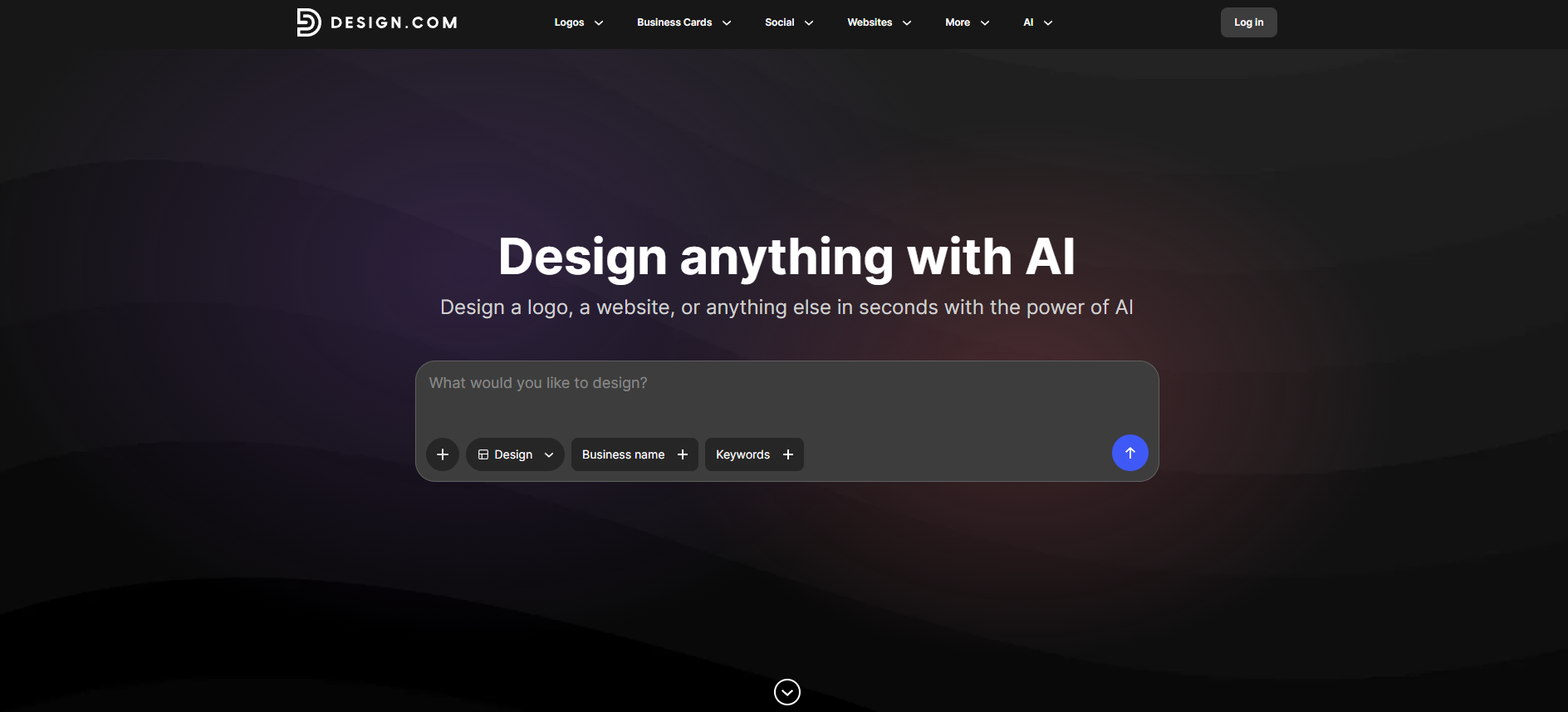
Design.com is more than just an AI design tool. During our testing, it stood out as one of the few platforms that can help users build an entire brand from a single starting point. Instead of generating a logo and leaving you to find other tools, Design.com connects branding, marketing, website creation, and business assets into one ecosystem.
What impressed us most is how much it automates without sacrificing control. Whether you're launching a new business, creating marketing materials, or building a complete brand identity, the platform uses AI to speed up the process while still allowing you to customize the final result.
It's particularly useful for entrepreneurs, small businesses, freelancers, and anyone who wants professional-looking designs without hiring multiple specialists.
What You’ll Get With Design.com
Here are some of the AI tools you can use:
AI Logo Generator
Design.com's AI Logo Generator helps users create professional logos in seconds. Simply enter your business name, industry, and a few keywords, and the AI generates multiple logo concepts tailored to your brand.
You can also enter a prompt and let AI know what you need!
Key Features:
AI-Powered Logo Creation
- Generate logo concepts instantly based on your business details.
- Explore multiple styles, layouts, and visual directions.
AI Logo Editing
- Modify icons, fonts, colors, and layouts using a conversational AI interface.
- Request changes using simple prompts instead of manual editing.
Massive Logo Library
- Access over 500,000 professionally designed logo templates.
- Suitable for virtually any industry or niche.
Professional File Formats
- Download logos in PNG, JPG, SVG, EPS, PDF, GIF, and MP4 formats.
- Includes transparent backgrounds and icon-only versions.
AI Website Builder
The AI Website Builder allows users to create a branded website without coding or design experience. During testing, we found it particularly useful for turning a newly created logo into a functioning online presence within minutes.
Related: Check out our list of the best AI website builders in 2026.
Key Features
Instant Website Generation
- Generate a website for your business, using your business name and branding.
- AI automatically creates layouts and content suggestions.
Automatic Brand Matching
- Colors, fonts, and visual styles are inherited from your logo.
- Creates consistency across your website and marketing materials.
Mobile-Friendly Templates
- Responsive designs optimized for desktop, tablet, and mobile devices.
Easy Content Editing
- Customize text, images, sections, and layouts through a simple editor.
AI Business Name Generator
Coming up with a business name can be one of the hardest parts of starting a company. Design.com's AI Business Name Generator helps streamline the process by generating name ideas based on your industry, keywords, and brand goals.
Key Features
AI-Powered Name Suggestions
- Generate hundreds of business name ideas instantly.
- Filter results based on industry and style preferences.
Brand-Friendly Results
- Suggestions are designed to work well for logos, websites, and marketing materials.
Domain Availability Integration
- Easily check and register matching domain names.
Business Launch Workflow
- Turn your chosen name directly into a logo, website, and complete brand kit.
AI Presentation Maker
Design.com's AI Presentation Maker helps users create polished slide decks without having to start from scratch. We found it useful for business pitches, sales presentations, client proposals, and educational content.
Check out the best AI presentation makers in 2026 here!
Key Features
AI-Generated Presentations
- Create presentation drafts from a simple prompt.
- Generate structured slide layouts automatically.
Brand Consistency
- Apply your logo, fonts, and brand colors across all slides.
Customizable Templates
- Edit layouts, images, text, and visual elements easily.
Professional Export Options
- Create presentation-ready designs suitable for meetings, pitches, and online sharing.
Additional AI Design Tools
Design.com also includes other tools, such as:
Pricing
One thing we liked during testing is that Design.com offers a genuinely usable free tier rather than a heavily restricted trial. There are plenty of free logo templates available, and unlike many competitors, free logos are watermark-free. Users can also access the full editor, including AI-powered editing tools, before deciding whether to upgrade.
Free Plan
- Access to a large collection of free logo templates
- No watermarks on free logos
- High-quality logo downloads
- Full access to the logo editor and AI chat tools
- Free website builder, digital business card, and link-in-bio tools
Starter Plan
From $3/month (annual billing) or $9/month (monthly)
Includes:
- High-resolution and vector logo files
- Unlimited logo edits
- Business cards, social media posts, email signatures, and letterheads
- Access to 50+ design tools
- Hundreds of thousands of design templates
Value Plan
From $4/month (annual billing) or $14/month (monthly)
Everything in Starter, plus:
- AI website builder
- Website templates and branding tools
Premium Plan
From $5/month (annual billing) or $19/month (monthly)
Everything in Value, plus:
- Digital business cards
- Link-in-bio pages
- Additional branding and marketing assets
Overall, Design.com offers one of the lowest entry prices among AI design platforms while providing access to a much broader set of branding tools than most standalone logo makers.
2. BrandCrowd - Best AI Logo Maker for Small Businesses
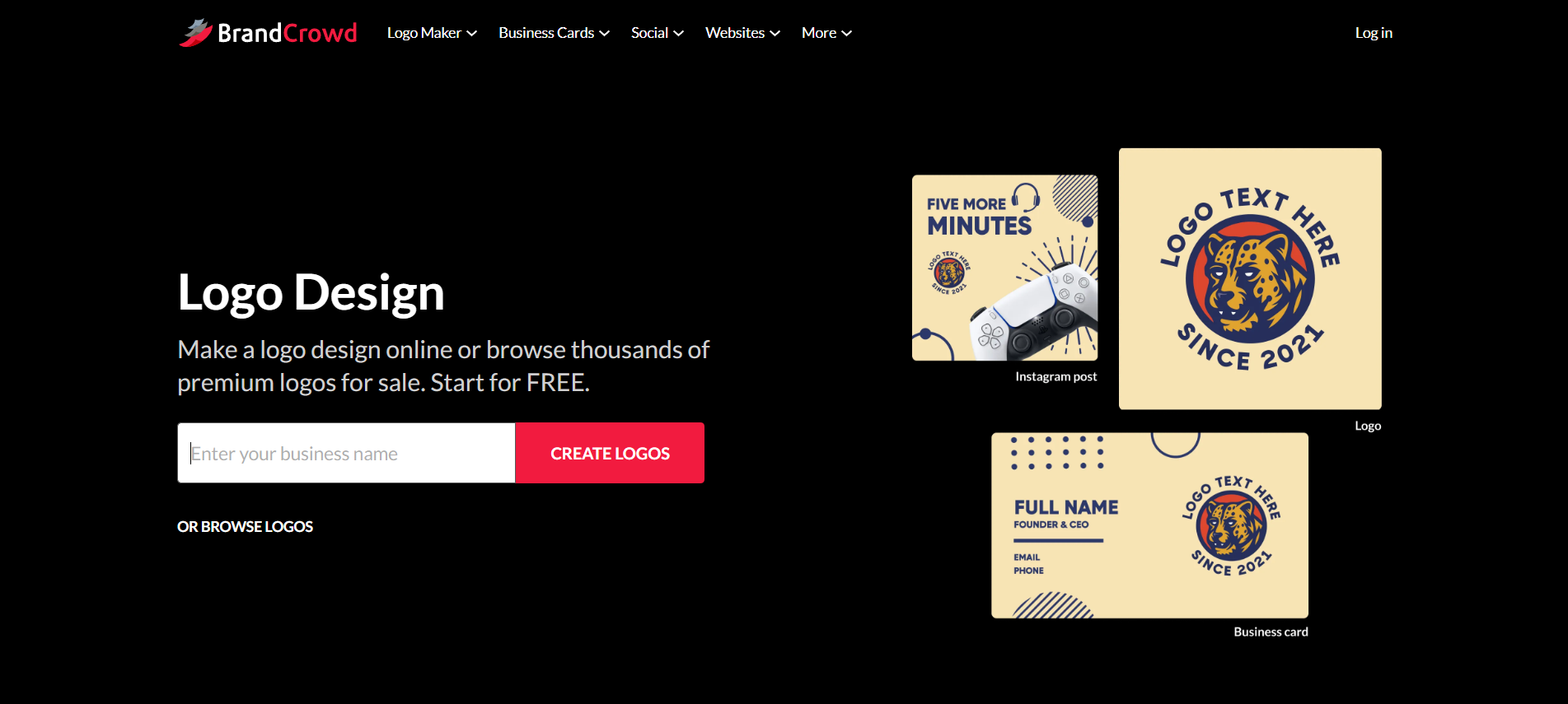
BrandCrowd helps users create professional logos quickly while providing the branding tools needed to build a complete business identity. During our testing, it delivered one of the largest selections of logo templates in this comparison, making it particularly useful for users who want plenty of options before committing to a design direction.
The thing we liked most is how approachable the platform feels. You can generate logos, customize them using AI-powered editing tools, and immediately extend your branding into social media graphics, business cards, websites, and marketing materials. For small businesses and entrepreneurs who need affordable branding without hiring a designer, BrandCrowd offers a strong balance of simplicity and flexibility.
What You'll Get With BrandCrowd
Here’s the best you can get with BrandCrowd:
AI Logo Generator
BrandCrowd's AI Logo Generator allows users to create logos by entering a business name and industry.
In our testing, it generated thousands of relevant logo options almost instantly.
Key Features
Massive Logo Library
- Access to over 380,000 logo templates
- Suitable for virtually every industry and business type
AI-Powered Logo Creation
- Generate logo concepts in seconds
- Browse multiple styles and visual directions
Professional Designer-Created Templates
- Logos created by professional designers
- Exclusive templates unavailable on other platforms
Multiple Download Formats
- PNG, JPG, SVG, EPS, PDF, GIF, and MP4 files
- Transparent backgrounds included
Logo Editing
One of BrandCrowd's strongest features is its AI-assisted editing system, which simplifies logo customization.
Key Features
Font and Typography Tools
- Access over 750 fonts
- Includes more than 525 exclusive font options
Advanced Customization
- Fine-tune colors, spacing, layouts, and logo elements
- Create unlimited variations of your design
Additional Design Tools
BrandCrowd includes over 50 design and branding tools, including:
Pricing
Like Design.com, BrandCrowd offers a surprisingly generous free option. During testing, we were able to access a large selection of free logo templates, customize designs fully, and use all editing features without encountering major restrictions. Free logos are also available without watermarks and can be downloaded in multiple file formats.
Free Plan
- Access to a large collection of free logo templates
- No watermarks on free logos
- High-quality logo files
- Download formats including PNG, JPG, SVG, PDF, EPS, GIF, and MP4
- Full access to the logo editor and AI-powered editing tools
Starter Plan
From $3/month (annual billing) or $9/month (monthly)
Includes:
- High-resolution and vector logo files
- Unlimited logo edits
- Business cards, social media posts, email signatures, and letterheads
- Access to 50+ design tools
Value Plan
From $4/month (annual billing) or $14/month (monthly)
Everything in Starter, plus:
- Website builder
- Additional branding assets
Premium Plan
From $5/month (annual billing) or $19/month (monthly)
Everything in Value, plus:
- Digital business cards
- Link-in-bio pages
- Expanded branding toolkit
3. Canva Magic Studio - Best AI Design tool for Creative Professionals
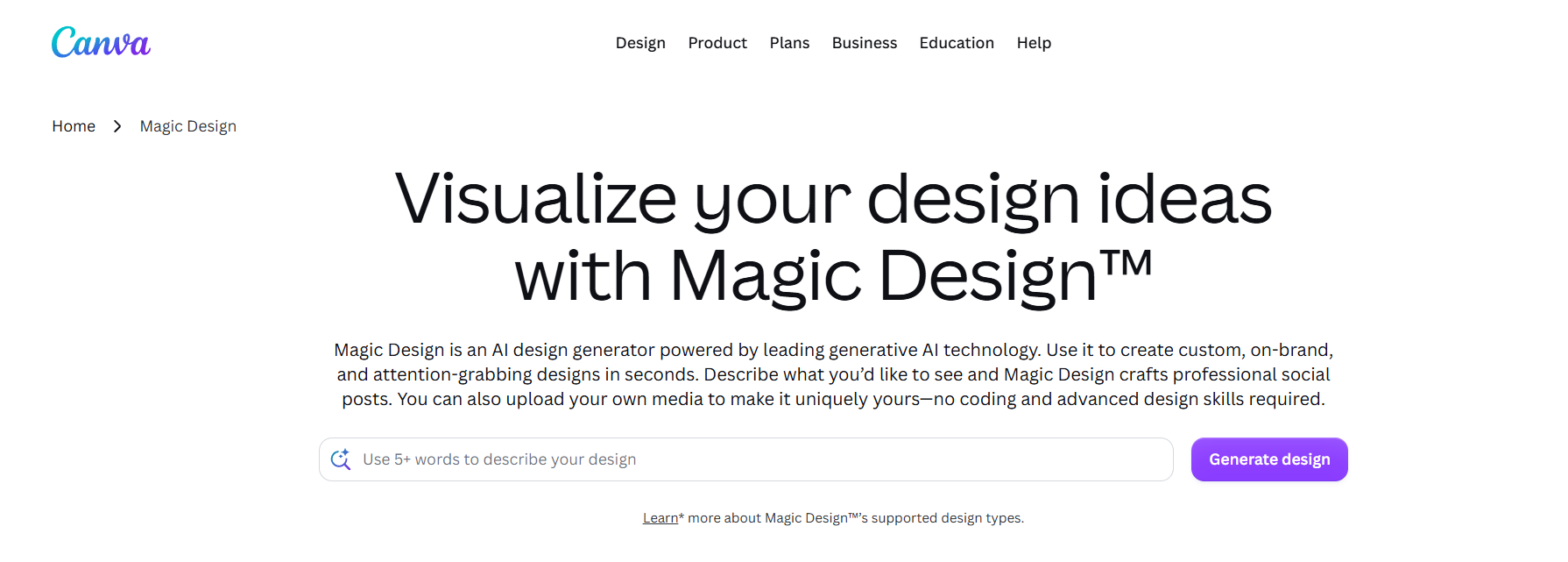
Canva Magic Studio brings artificial intelligence into Canva's familiar drag-and-drop editor, making it easy to create everything from social media graphics and presentations to videos and marketing collaterals. During our testing, we found that it excels at speeding up repetitive design work without forcing users to learn complex software.
Rather than offering one AI feature, Magic Studio combines dozens of tools into a single workspace. You can generate images, write copy, resize designs, remove backgrounds, and even create presentations using natural language prompts. It's a great choice for marketers, content creators, educators, and businesses already using Canva for day-to-day design work.
What You'll Get With Canva Magic Studio
Magic Design
Magic Design helps you create complete designs from a simple prompt or uploaded media. During testing, it was one of the fastest ways to generate social content, including Instagram posts, presentations, and marketing graphics.
Key Features
AI Design Generation
- Generate complete layouts from a text prompt
- Automatically suggests multiple design variations
Smart Template Recommendations
- Matches templates based on your content and design goals
- Suitable for presentations, flyers, posters, and social media
Magic Media
Magic Media lets you create AI-generated images and graphics directly inside Canva without switching to another platform.
Key Features
Text-to-Image Generation
- Create custom visuals from written prompts
- Multiple artistic styles available
AI Image Editing
- Regenerate images with different styles
- Expand and refine visuals without leaving the editor
Pricing
Canva offers a generous free plan that includes access to basic AI tools, templates, and thousands of design assets. Upgrading unlocks the full Magic Studio experience, premium templates, advanced editing tools, and Brand Kit functionality.
Free Plan
- Basic AI features
- Thousands of templates
- Basic design assets
- Limited AI usage
Canva Pro
From approximately $15/month
Includes:
- Full Magic Studio access
- Premium templates and stock assets
- Brand Kit
- Background Remover
- Magic Resize
- Expanded AI usage
Canva Teams
From approximately $10 per user/month (annual billing)
Everything in Pro, plus:
- Team collaboration
- Shared Brand Kits
- Admin controls
- Approval workflows
4. Adobe Express - Best AI Tool for Social Media & Marketing Content
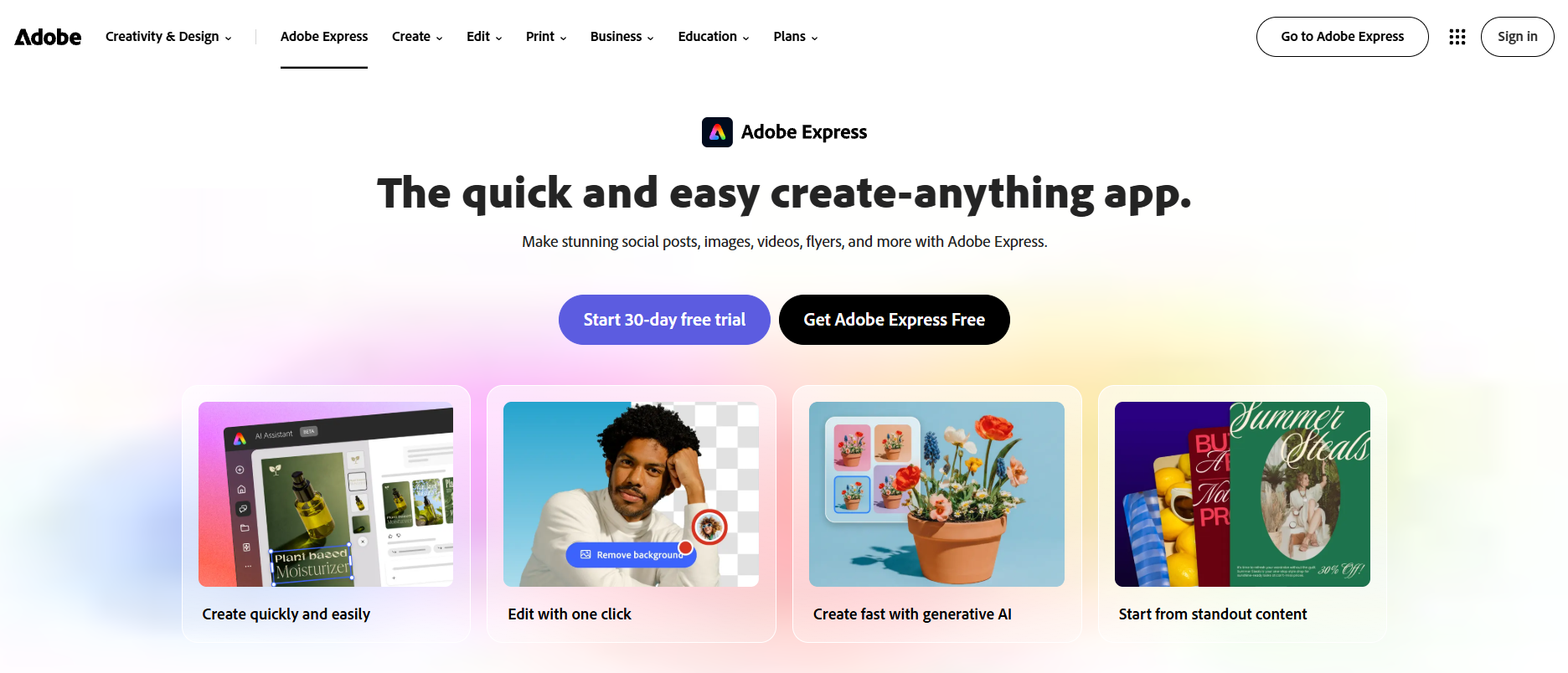
Adobe Express combines Adobe's creative technology with AI-powered tools to help users quickly create graphics, videos, presentations, and marketing assets. During our testing, we found it particularly useful for producing polished social media content, promotional materials, and business graphics without the complexity of traditional Adobe software.
Unlike Photoshop or Illustrator, Adobe Express is built for speed. Its AI features handle many repetitive tasks, allowing users to generate images, remove backgrounds, rewrite text, resize designs, and create videos from one easy-to-use workspace.
What You'll Get With Adobe Express
AI Image Generator
Adobe Express includes an AI image generator powered by Adobe Firefly, allowing users to create original visuals from simple text prompts.
Key Features
Text-to-Image Generation
- Generate unique images using natural language prompts.
- Choose from a variety of artistic styles and visual effects
Commercially Safe AI
- Powered by Adobe Firefly, which is trained on licensed content for commercial-friendly outputs.
High-Quality Images
- Generate visuals suitable for marketing materials, presentations, websites, and social media.
AI Graphic Designer
Adobe Express makes creating marketing graphics much faster with built-in AI editing tools.
Key Features
Ready-Made Templates
- Thousands of professionally designed templates for social media, flyers, posters, presentations, and more.
Quick Editing
- Instantly change colors, fonts, layouts, and branding elements.
One-Click Resize
- Resize designs automatically for Instagram, Facebook, LinkedIn, TikTok, YouTube, and more.
Pricing
Free: Includes thousands of templates, basic AI features, limited generative AI credits, photo editing tools, and content scheduling.
Premium: $9.99/month (annual billing) or $12.99/month. Includes premium templates, Brand Kit, more AI credits, Adobe Stock assets, and advanced editing features.
Teams & Enterprise: Custom pricing with collaboration tools, admin controls, and enterprise features.
5. Magnific (formerly Freepik) - Best AI Tool for Image Editing
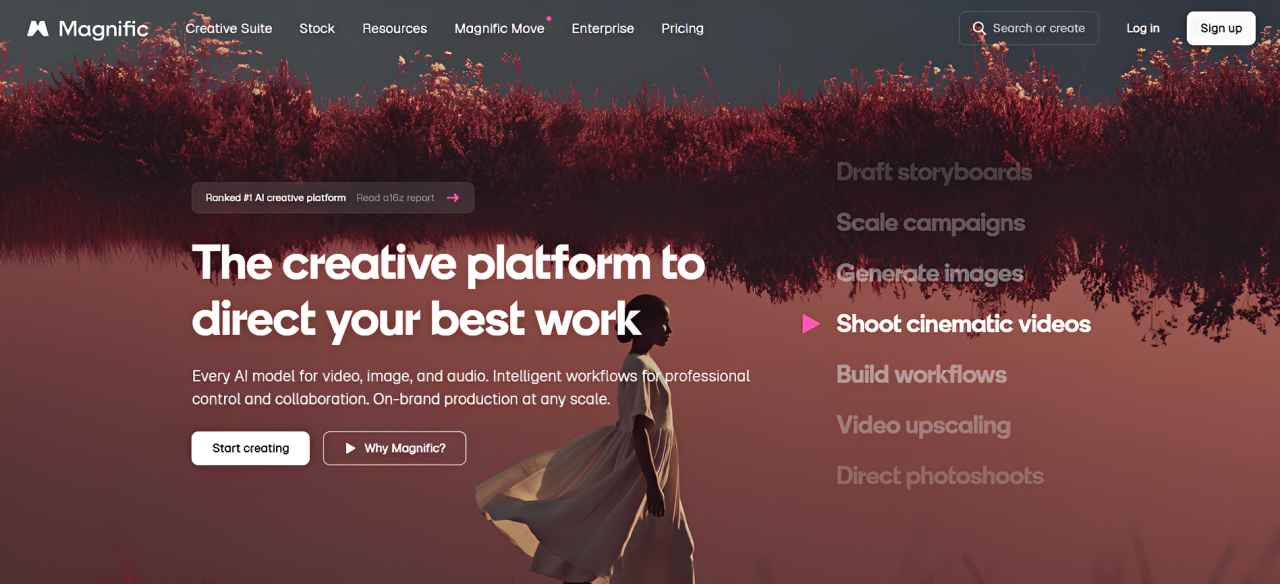
Magnific (formerly Freepik) is an AI design platform that focuses mainly on image and video generation and editing. Users can generate images from text prompts, upload character references to model their AI image, or upload existing images / videos to improve their quality. Their other AI editing tools also allow you to remove unwanted objects, replace backgrounds, expand images, and enhance small details such as the skin or the lighting.
Whether you're creating realistic product photos, digital illustrations, or promotional visuals, Magnific gives you plenty of options to create and refine your images.
What You'll Get With Magnific
AI Image Generator
Magnific's AI Image Generator allows users to create original images using text prompts. Users can also access different AI models plus experiment with photorealistic images, illustrations, digital artwork, and other creative styles.
Key Features
Text-to-Image Generation
- Generate images using natural language prompts.
- Add style or character reference to create your image.
Multiple AI Models
- Access different AI image generation models within one platform.
- Experiment with different models to find the best results for your preferred style.
Creative Style Options
- Generate images in various styles, from realistic photography to stylized illustrations.
- Adjust prompts and generation settings to explore different visual concepts.
AI Image Editor
Magnific also offers AI-powered image editing tools that help users modify, enhance and edit existing visuals.
Key Features
AI Image Upscaler
- Increase image resolution while enhancing textures, sharpness, and fine details.
- Change lighting, camera angle, and art style.
AI Background Removal & Replacement
- Remove backgrounds from images.
- Replace existing backgrounds to create new settings for product photos and promotional visuals.
AI Object Removal & Editing
- Remove unwanted objects or distractions from images.
- Modify selected areas without recreating the entire image.
AI Image Expansion
- Extend images beyond their original borders using AI-generated content.
- Adapt visuals to different aspect ratios and layouts.
Pricing
Free: Limited access to selected AI tools and features.
Paid Plans: $15/monthly (monthly billing), additional AI generation credits, premium models, and advanced image editing and enhancement tools.
Higher-Tier Plans: Larger credit allowances for business teams and enterprise users.
6. Figma - Best AI Website Design Tool
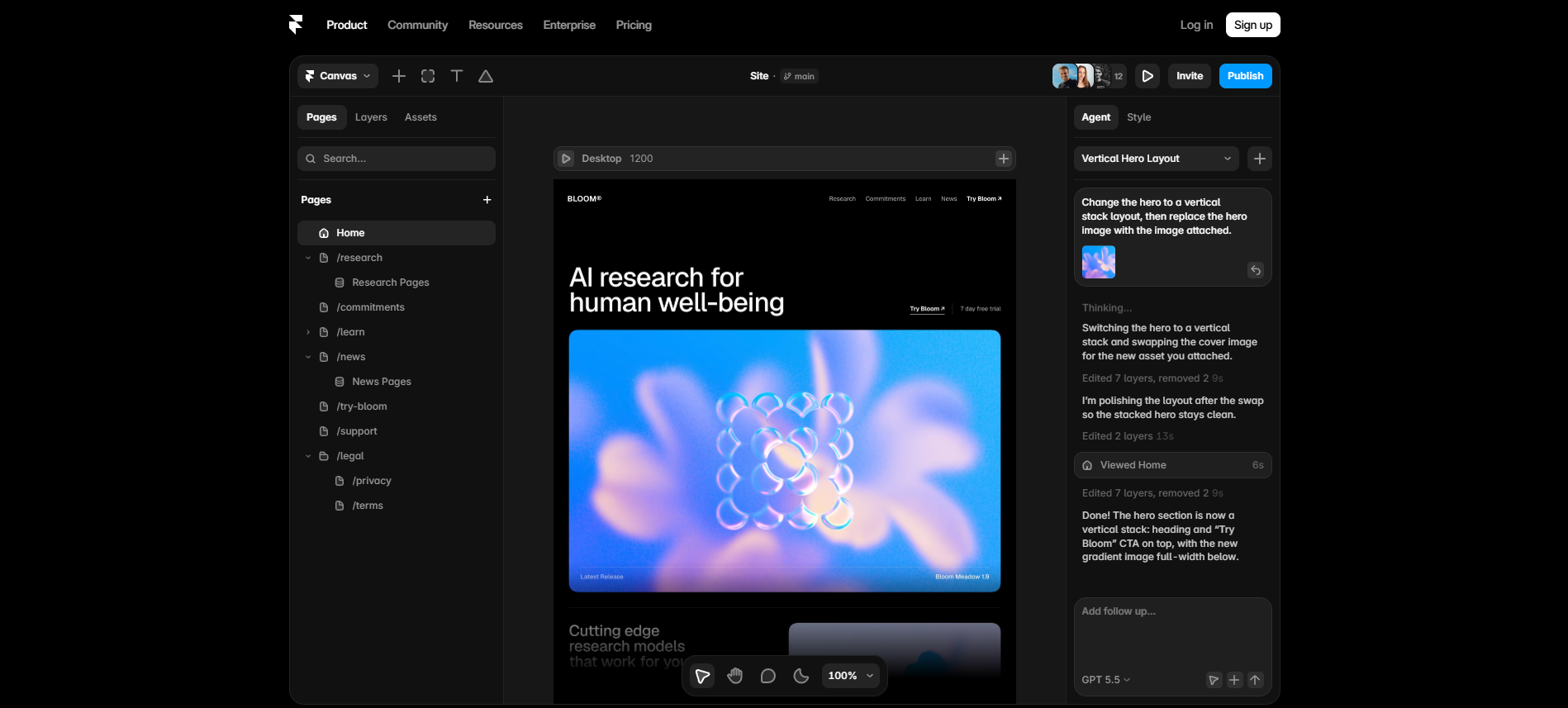 Figma AI is built for users who want to learn website design or create modern, responsive websites using natural language prompts. During our testing, we found that it speeds up the early stages of web design by helping create layouts, content, and prototypes without starting from a blank canvas. It's particularly useful for designers and teams already working within the Figma ecosystem.
When it comes to collaborative workflow, Figma AI is a standout! Rather than simply generating a website, it helps teams brainstorm ideas, build responsive layouts, edit content, and iterate together in real time.
If you’re designing websites with multiple stakeholders, it’s one of the most efficient AI-powered tools available.
What You'll Get With Figma AI
AI Website Builder
Figma's AI Website Builder helps users generate website layouts and landing pages from simple prompts. During our testing, it created clean page structures that served as excellent starting points for further customization.
Key Features
Prompt-to-Website Generation
- Generate website layouts from a short text prompt.
- Automatically create sections such as hero banners, features, FAQs, and contact pages.
Responsive Layouts
- Designs automatically adapt for desktop, tablet, and mobile screens.
Ready-to-Edit Designs
- Every generated layout remains fully editable inside Figma.
AI Design Assistant
Figma’s AI Design Assistant works directly inside the visual editor, allowing you to refine your website using natural language.
Key Features
Conversational Editing
- Ask AI to redesign sections, adjust spacing, change colors, or improve layouts.
- Make revisions without manually editing every element.
Visual Refinement
- Improve typography, alignment, and overall page hierarchy with AI assistance.
Maintain Creative Control
- AI handles repetitive tasks while giving you full control over the final design.
Pricing
Free Plan
- Collaborative design files
- Prototypes
- Access to basic AI features for individual users
Professional
Starts at $16/seat/month
Includes:
- unlimited projects
- advanced collaboration
- expanded AI capabilities.
Organization & Enterprise
From approximately $30/month
Custom pricing
Custom pricing with advanced security, admin controls, design systems, and enterprise collaboration features.
Best Overall Tool
If we could only recommend one AI design tool from this list, it would be Design.com.
The biggest reason is simple: it does far more than just create logos. Instead of using one tool for your logo, another for your website, another for social media, and another for marketing materials, Design.com brings everything together in one place. You can create a logo, build a website, generate business names, design flyers, presentations, social media posts, business cards, and much more without jumping between different platforms.
We also liked how easy the AI is to use. Rather than manually editing every detail, you can simply tell the AI what you want to change, whether that's replacing an icon, changing the colors, updating the text, or trying a different style. It speeds up the entire design process, especially if you don't have any design experience.
Another thing that stood out is the value. The free version is genuinely useful, with no watermarks on free logos and access to AI editing tools. If you decide to upgrade, the paid plans unlock more than 50 additional AI-powered design tools, making it one of the best-value platforms we tested.
If you're looking for a single AI design platform that can handle almost everything your business needs, Design.com is the best place to start.
Conclusion
AI design tools make it easier than ever to create professional logos, websites, videos, presentations, and marketing materials without needing advanced design skills. The right platform depends on what you want to create, but each tool on this list offers something valuable.
If you're looking for the most complete all-in-one solution, Design.com is our top pick. It combines AI-powered branding, logo design, websites, and over 50 design tools in one platform, making it a great choice for businesses, creators, and entrepreneurs who want to design faster and smarter.
Shayne Jain is a content writer with 7 years of experience specializing in creating engaging and impactful content. Her passion for writing began at age 8, when she started crafting short stories and songs. You can find her kicking balls on the football field or immersed in a good video game when she's not writing.
Written by DesignCrowd on Monday, November 23, 2026
DesignCrowd is an online marketplace providing logo, website, print and graphic design services by providing access to freelance graphic designers and design studios around the world.
